The best apps for remote workers (2026)
Remote work lives or dies by your tools. You do not need fifty apps, you need one good one per job. Here is a lean, honest stack for 2026, one pick per category, including the one that quietly saves the most time.
Image: Pexels
The best remote setups are not the ones with the most apps. They are the ones with one solid tool per job and nothing else in the way. Here is a lean stack for 2026, picked by what each category is actually for.
| Job | Pick | Why |
|---|---|---|
| Messaging | Slack | Async team chat, still the default |
| Video calls | Zoom / Google Meet | Reliable, everyone has it |
| Notes & docs | Notion | Docs, wikis and tasks in one place |
| Type less by talking | Golem | Speak instead of type, in any app |
| Passwords | 1Password / Bitwarden | Shared, secure logins |
| Time & focus | Toggl / a timer | See where the hours go |
Messaging: Slack
Async communication is the backbone of remote work, and Slack is still the default for a reason: channels, threads, and integrations with everything. Keep notifications tight and it stays a tool instead of a treadmill.
Video: Zoom or Google Meet
You will not avoid calls, so pick the one your team and clients already have. Both are reliable. The real skill is having fewer of them, not a fancier app.
Notes and docs: Notion
Remote teams need a shared brain. Notion combines docs, wikis, and lightweight project tracking so knowledge does not get lost in chat. Any solid docs tool works; the point is having one home for it.
Type less by talking: Golem
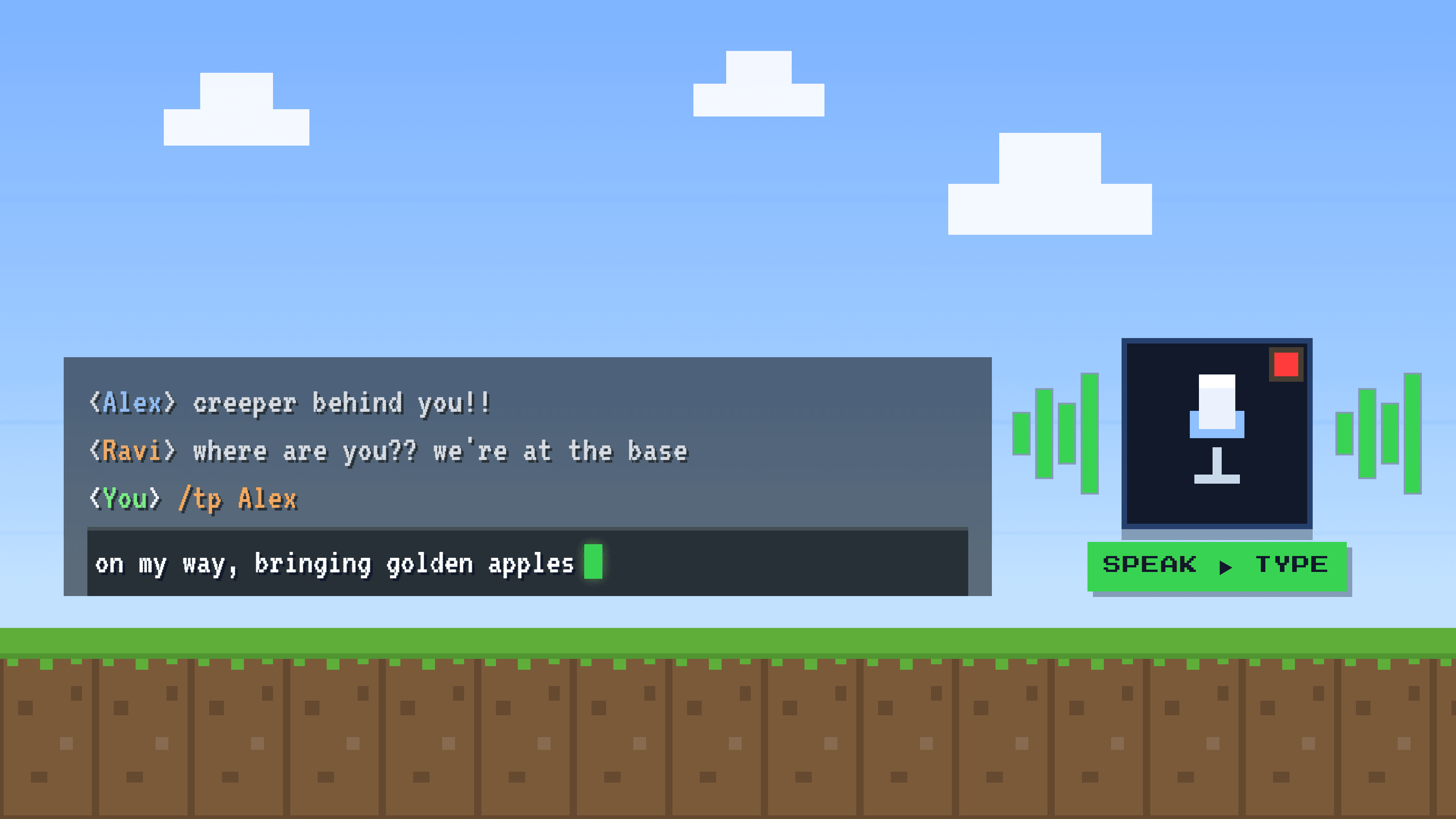
Here is the underrated one. Remote workers type for hours a day: Slack, email, docs, tickets, prompts. Golem lets you speak instead, and it types clean text into any app, about 5x faster than the keyboard. It removes filler words, punctuates, and can rewrite or translate by voice. Beyond the time saved, it takes a real load off your hands and focus. Free to start, and Pro is $3/month.
Passwords: 1Password or Bitwarden
Distributed teams share a lot of logins. A password manager keeps them secure and shareable without pasting secrets into chat. Pick either; just actually use it.
Time and focus: a tracker you will keep
Working from home blurs the day. A simple time tracker like Toggl (or even a timer) shows where your hours actually go, which is the first step to protecting your focus blocks.
Frequently asked questions
What apps do remote workers need?
At minimum: a messaging app (Slack), video calls (Zoom or Meet), a shared docs tool (Notion), a password manager, and something to cut typing time like a voice-typing app. One good pick per category is enough.
How can I save time working remotely?
Reduce meetings, keep one tool per job, and cut the time you spend typing. Since remote work is writing-heavy, dictating with an app like Golem (about 5x faster than typing) is one of the biggest single wins.
What is the best app to type less?
A voice-typing app. Golem lets you speak instead of type in any app on Windows and Mac, with AI cleanup, for $3/month with a free plan.