Stop saying "comma, period": dictation that punctuates itself
A century ago, telegrams typed the word STOP because the machine could not punctuate. Every time you say 'comma' or 'period' out loud while dictating, you are that telegraph operator. Here is why it happens, and how to stop.
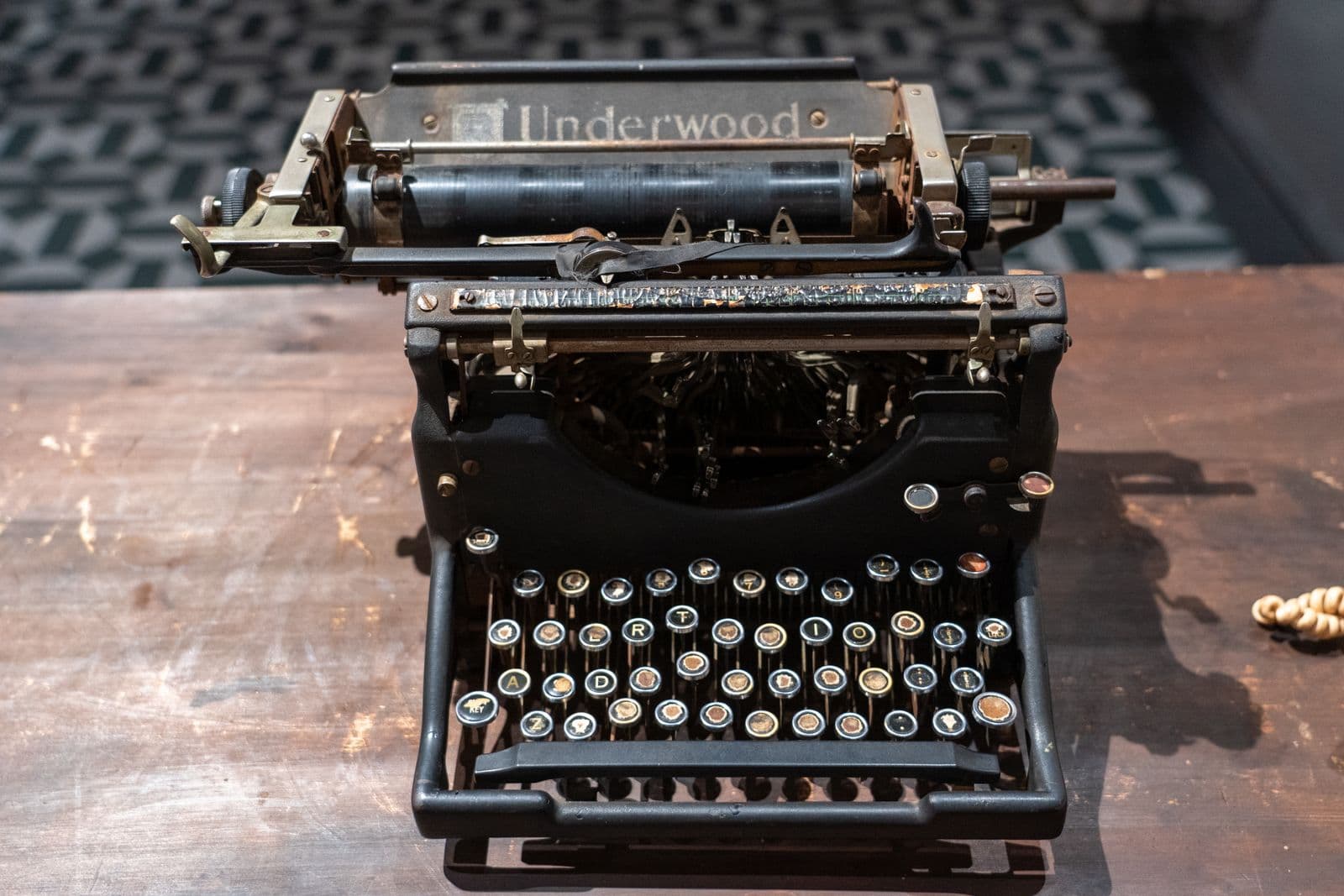
Image: Pexels
A century ago, telegrams did not have punctuation. So operators wrote out the word STOP between sentences to mark where one thought ended and the next began. The machine could not carry a period reliably, so a human narrated it, one STOP at a time.
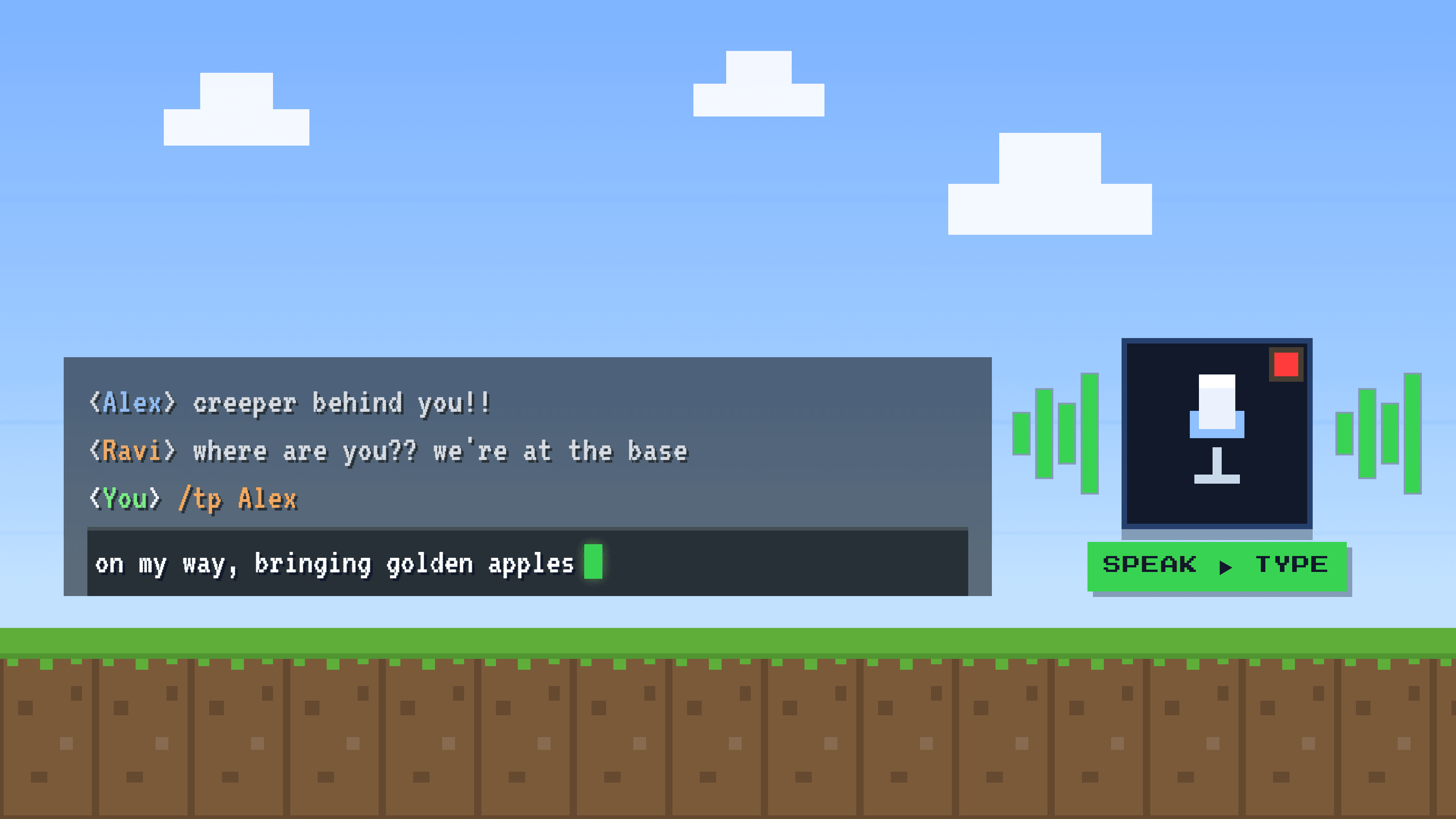
Now watch yourself dictate on a basic voice keyboard. You say your sentence, then you say "comma", then a few more words, then "period". You are the telegraph operator. You are narrating the punctuation out loud because the machine will not add it for you. And it gets funnier, because half the time the machine mishears and prints the literal words anyway.
The telegraph operator you did not mean to become
Nobody talks like this in real life. You do not say "Let's meet at six comma bring the files period" to a coworker. But the moment a basic dictation tool is listening, you switch into telegraph mode: you stop expressing a thought and start dictating typography. It is slow, it feels robotic, and it pulls you out of whatever you were actually trying to say.
The strange part is that we accept it. We assume this is just how talking to a computer works. It is not. It is a limitation of a specific, basic kind of speech-to-text, and it has a name.
Why your phone types "question mark" instead of ?
Basic speech-to-text does one job: it turns the sounds you make into the words those sounds spell. That is it. It has no model of your sentence, no idea whether you are asking a question or ending a statement. So when you say the sound "question mark", it does the only thing it knows how to do: it writes down the words *question mark*.
- It hears sounds and maps them to words, literally.
- It has no understanding of meaning, so it cannot infer where a period or a question mark belongs.
- "Comma", "period" and "question mark" are just more sounds to transcribe, so it often prints them as text.
This is a documented, everyday complaint with built-in voice typing on phones and computers: people trying to end a sentence get the word *period* sitting there in the middle of their text. It is not a bug in your device. It is what a tool with no model of your sentence is bound to do.
The two ways it goes wrong
Basic dictation fails in one of two directions, and both are annoying:
- It writes the word out. You say "question mark" hoping for a ?, and you get the literal text
question mark. Now you are the operator typing STOP. - It adds nothing at all. You just talk normally, and it gives back one long run-on wall with no commas and no periods, a paragraph-length sentence you have to go punctuate by hand.
Either way you end up editing. And editing is exactly the work you were trying to skip by talking instead of typing.
In Spanish it is even worse
English punctuation is mostly commas and periods. Spanish adds two problems that a literal transcriber cannot solve on its own.
First, accents change the meaning of the word. el (the) is not él (he). mas (but, literary) is not más (more). esta (this) is not está (is). Get the tilde wrong and the sentence says something you did not. Second, Spanish questions and exclamations need an opening mark, ¿ and ¡, at the start. Nobody wants to narrate "open question mark" before every question. Most basic tools were never built to add either one.
This is about punctuation, not all of Spanish
There is more to good Spanish dictation than tildes and ¿ ¡. If you want the full picture, we cover it in the best voice-to-text for Spanish. Here we are only talking about punctuation and accents.
What self-punctuating dictation actually does
Here is the key shift. Instead of trying to punctuate while it listens, self-punctuating dictation adds a second step after transcription. First it writes down your words. Then an AI pass reads the whole sentence and infers the punctuation from the meaning, the way a human editor would: it sees a question and adds the ?, sees where a thought ends and adds the ., and in Spanish it restores the tildes and the opening ¿ and ¡.
To be fair, this is now an established category, not a rare trick. Tools like Willow Voice market automatic punctuation and smart formatting, and others do too. So the honest framing is not "only one app can do this". It is: basic speech-to-text narrates STOP, and AI-cleanup dictation does not. The question is which tool you pick.
How Golem does it
This two-step approach is the core of how Golem works. You talk normally, like a person. OpenAI's Whisper (large-v3-turbo) transcribes what you said, and then an LLM cleanup pass adds the commas, periods and question marks a human editor would, and in Spanish restores the tildes and the opening ¿ and ¡. The finished text drops straight into whatever app you are in: your browser, an editor, email, chat, a terminal, ChatGPT or Claude.
| Basic voice typing | Self-punctuating (Golem) | |
|---|---|---|
| You say "question mark" | Types the words question mark | You do not say it at all |
| Ends a sentence | Run-on wall or the word period | Adds the . for you |
| Spanish accents | esta, el, mas | está, él, más |
| Spanish questions | No opening mark | Adds ¿ and ¡ |
| Your job after | Edit the punctuation | Just read it |
How to get punctuation without narrating it
Pick a tool that punctuates after it listens
Look for automatic punctuation or an AI cleanup step, not raw sound-to-text. This is what separates it from basic voice typing.
Talk like a human, not a telegraph
Say your sentence the way you would say it out loud. Do not say comma, do not say period. Let the pauses and the meaning carry it.
Read the result, do not rebuild it
Good self-punctuating dictation gives you clean, punctuated text you can send as-is. If you are dictating Spanish, check that the tildes and ¿ ¡ came back.
Quick before and after
Say this out loud, no punctuation words: "can you send me the report today it is urgent". Basic voice typing gives you a run-on. Self-punctuating gives you: "Can you send me the report today? It is urgent."
Frequently asked questions
Why does my voice typing type the word "period" or "question mark"?
Because basic speech-to-text transcribes the sounds you make literally and has no model of your sentence. When you say the sound "question mark", it writes the words. Tools with an AI cleanup pass read the whole sentence and add the real punctuation instead.
Is there dictation that adds punctuation automatically?
Yes, and it is an established category. Tools like Willow Voice and Golem add punctuation automatically by running an AI pass over your transcript, so you do not narrate commas and periods yourself.
Does auto-punctuation work in Spanish, with tildes and ¿ ¡?
It depends on the tool. Many basic ones do not. Golem's LLM cleanup pass restores accents like está or él and adds the opening ¿ and ¡ that Spanish questions and exclamations need.
Do I still have to say "comma" and "period"?
Not with self-punctuating dictation. You speak normally and the tool infers the punctuation from the meaning of the sentence. Saying the words out loud is the old, basic way.