10 vibe coding tips to ship faster
Vibe coding, building software by describing what you want to an AI instead of writing every line, is one of the biggest shifts in how software gets made. Do it well and you move incredibly fast. Do it badly and you get a mess. Here are 10 tips that make the difference.

Image: Pexels
Vibe coding means building software by describing what you want to an AI (in Cursor, Claude, ChatGPT, or similar) and letting it write most of the code. Used well, it is a genuine superpower. Used carelessly, you end up with code you do not understand and cannot fix. These 10 tips keep you on the right side of that line.
1. Give context, not just commands
The single biggest lever. Do not say 'add auth.' Say what the app is, the stack, the constraints, and what done looks like. The model is only as good as the context you give it, and vague prompts produce generic code.
2. Plan before you generate
Ask the AI to propose an approach and a file plan before it writes anything. Read it, correct it, then let it build. Ten seconds of planning saves you from a hundred lines going the wrong way.
3. Work in small steps
One feature at a time, verify, then continue. Big-bang generation is where vibe coding falls apart. Small diffs are easy to review and easy to roll back.
4. Always read the diff
Never accept code you have not looked at. You do not need to write it, but you do need to understand it. The moment you are approving changes blindly, you have lost the thread.
5. Talk to your AI, do not type at it
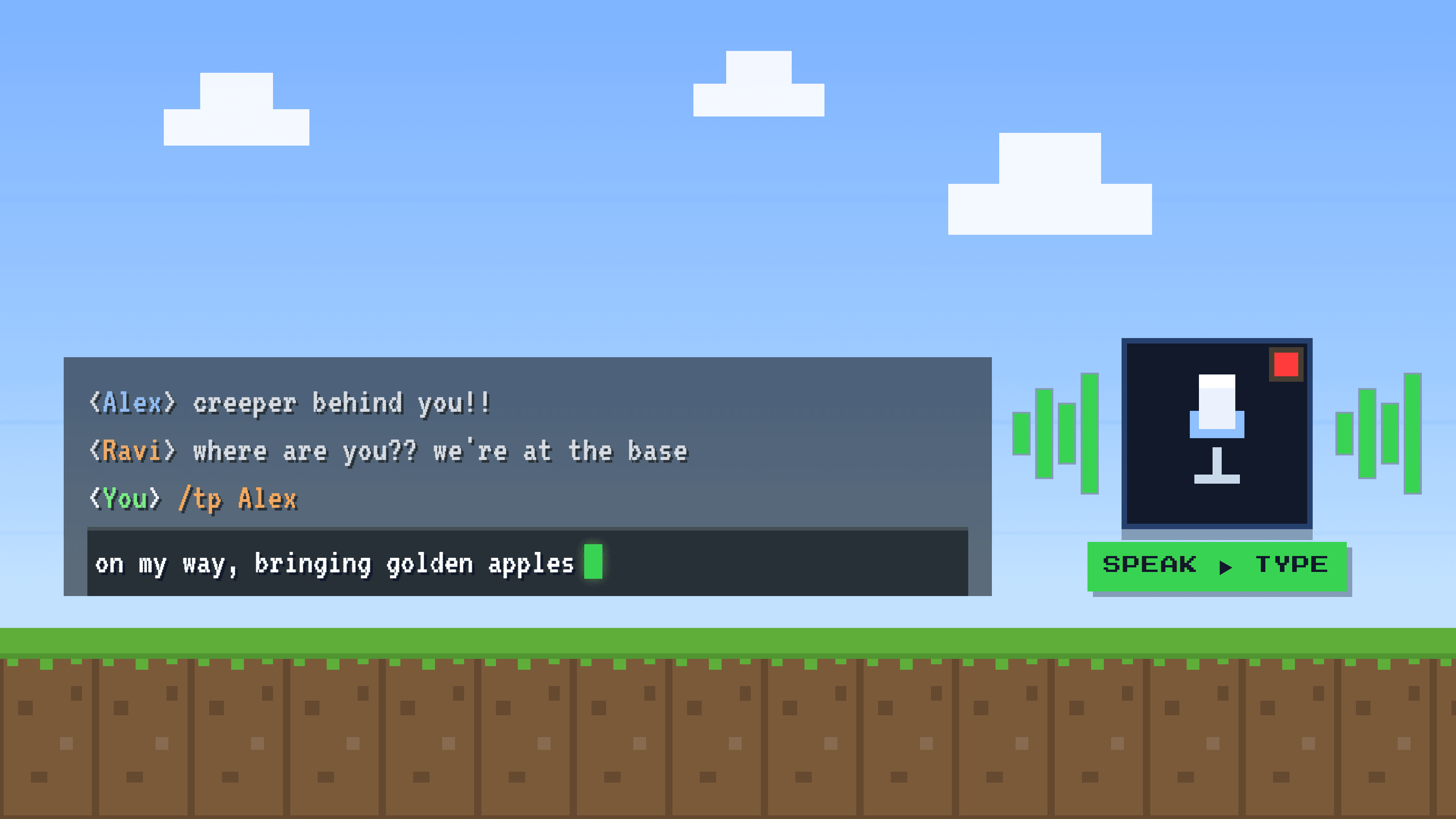
Here is the tip most people miss. The bottleneck in vibe coding is not the model, it is how fast you can feed it good context, and typing long, detailed prompts is slow. Dictating them is about 5x faster and keeps you in flow. Apps like Golem let you press a shortcut and speak your prompt straight into Cursor, Claude, or your terminal, cleaned up and punctuated. Longer, richer prompts, less effort.
6. Keep a rules or context file
Most AI coding tools support a project rules file (conventions, stack, do's and don'ts). Maintain it. It stops you from repeating the same context every session and keeps the AI consistent.
7. Test as you go
Ask for tests alongside features, and actually run them. AI-written code looks confident even when it is wrong. Tests are how you catch the difference.
8. Commit often
Small, frequent commits give you safe points to return to when a generation goes sideways. Treat every working state as a checkpoint.
9. Know when to take over
For gnarly, precise, or security-sensitive code, write it yourself. Vibe coding is for velocity on the 80%, not for the parts where a subtle mistake is expensive.
10. Keep it readable
Ask for clear names and comments. Code you can read is code you (and the next AI session) can safely change. Readability is not a nice-to-have when a machine is writing volume.
Frequently asked questions
What is vibe coding?
Vibe coding is building software by describing what you want to an AI and letting it write most of the code, instead of typing every line yourself. You steer with prompts and review the output.
How do I get better results from AI coding tools?
Give rich context, plan before generating, work in small steps, read every diff, and test as you go. The better and more detailed your prompts, the better the code.
How can I write prompts faster?
Dictate them. Speaking is about 5x faster than typing, so you can give longer, more detailed prompts with less effort. A voice-typing app like Golem works inside any AI tool.