Voice typing that works in any app, not just one
Native dictation is a drawer full of remotes: Google Docs has one, Word has another, and Gmail, Sheets, Notion and Slack have none at all. What you actually want is one universal remote that types into everything.
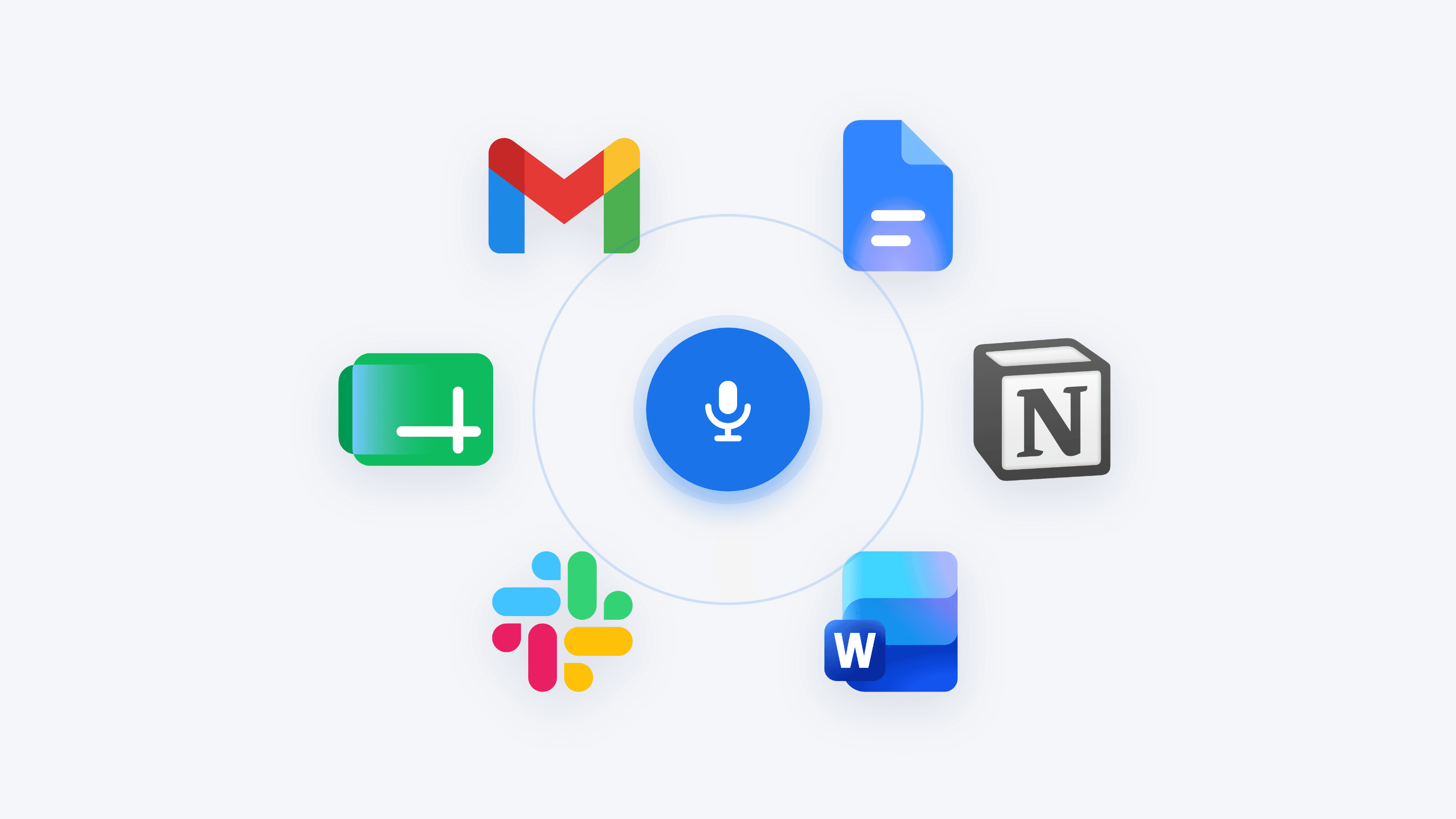
Image: Icons8
Think about the drawer in your living room, the one full of remotes. One for the TV, one for the soundbar, one for the streaming box, and a couple you cannot even place anymore. Some devices have their own remote, some share one badly, and a few have none at all. That drawer is exactly what dictation feels like across your apps.
Google Docs has its own Voice typing (one remote). Microsoft Word has Dictate (another remote). But Gmail, Google Sheets, Notion and Slack have no built-in dictation at all. And each remote that does exist only works for its own device. What you actually want is one universal remote: a single shortcut that types your voice into everything.
The drawer-of-remotes problem
Voice typing sounds like a solved feature until you try to use it everywhere. You dictate a document in Google Docs, then switch to Gmail to send it, and the microphone is gone. You open a spreadsheet, and it is gone again. Every app decided on its own whether dictation exists and how it works, so instead of one habit you juggle five different answers. The problem is not that voice typing is bad. It is that it is scattered and inconsistent, a different remote in every hand.
Two kinds of gap
When you look closely, the apps fall into two groups, and both leave you stuck.
Gap one: apps with no remote at all. Most apps never built dictation in the first place. Gmail has no microphone icon in the compose window and no native dictation option. Google Sheets has no Voice typing button, which is striking because its sibling Google Docs does. Slack's message box has no voice-to-text either: the mic button there records an audio voice clip (and may attach a transcript to that clip), but it does not type your words into the message field, so it is not dictation. Notion is a nuance worth stating precisely: it has no built-in way to voice-type into your pages, and its only native voice feature is the paid AI Meeting Notes (which records audio and produces a transcript and summary), which is meeting transcription, not real-time dictation into a field.
- Gmail: no built-in dictation. You fall back to OS dictation or a browser extension.
- Google Sheets: no Voice typing button, unlike Docs. You fall back to OS dictation or add-ons.
- Slack: the mic records a voice clip, it does not type into the box. You fall back to OS dictation.
- Notion: no built-in way to voice-type into pages (its only native voice feature is paid AI Meeting Notes transcription). You fall back to OS dictation.
Gap two: apps whose remote is trapped inside themselves. A couple of apps do have real dictation, but it never leaves home. Google Docs has Voice typing under Tools > Voice typing, and it works well, but only inside the Google Docs web editor in a supported desktop browser. It does not follow you into Gmail, Sheets, Notion or anywhere else. Microsoft Word's Dictate is similar but with a paywall: it requires an active Microsoft 365 subscription, and it lives inside the Microsoft 365 apps (Word, Word for the web, Excel, Outlook, PowerPoint). Powerful in its ecosystem, useless outside it.
The honest summary of the gaps
Among Gmail, Sheets, Notion and Slack, none provides its own real-time dictation into its text fields, so you depend on OS dictation. Google Docs and Word do have their own dictation, but each one is trapped in its own app or ecosystem.
The OS half-remote
Here is the good news, and the honest catch. Your operating system has a dictation that actually does span apps. On Windows, Win+H (Windows 11 voice typing) works system-wide in most text fields: browsers, Office, chat apps, Notion, Slack. On Mac, Apple Dictation works system-wide in any text field. This is the one remote that reaches across the drawer. It is real, and for many people it is enough.
But it is a half-remote, because it is rough:
- One language at a time. Apple Dictation runs a single language per dictation with no mid-sentence switching (you can configure several languages and switch between dictations, but not inside one). If you mix languages naturally, this hurts.
- Punctuation is manual or inconsistent. You often narrate 'comma', 'period', 'new line' out loud, and users report Win+H recognizing spoken punctuation commands inconsistently. Neither cleans up a rambling first draft.
- Win+H needs an internet connection, since it uses cloud speech, so no offline dictation.
- It can fail in some apps. Both can misbehave in certain full-screen apps or game clients, so 'works everywhere' has exceptions.
- Names get mangled. Proper nouns, product names and technical terms are frequent casualties, and there is no easy way to teach the OS your vocabulary.
So the OS dictation genuinely spans your apps, which is more than the app-specific remotes can say. It just makes you do the cleanup by hand.
The universal remote
The real fix is a system-level dictation tool: something that captures your voice at the operating-system level, like Win+H does, but types clean, punctuated text into whatever app your cursor is in. It reaches every app the way the OS built-ins do, and it removes the roughness the OS built-ins leave behind. One shortcut, every app, no narrating punctuation, no fixing names.
Golem is one such option. It is voice typing built on OpenAI's Whisper (large-v3-turbo) plus a cleanup pass that adds punctuation, and because it captures at the OS level it types into any app: Gmail, Sheets, Notion, Slack, your editor, your terminal, a browser, a chat box. It adds custom vocabulary so it learns the names and terms you use, it is multilingual (dictate in one language, output in another if you want), and it is free to start with no card. That is the universal-remote shape: not one more app-specific button, but a single habit that works everywhere.
Where each option actually works
| Gmail | Docs | Sheets | Notion | Slack | |
|---|---|---|---|---|---|
| Google Docs Voice typing | No | Yes | No | No | No |
| Word Dictate (Microsoft 365) | No | No | No | No | No |
| Win+H (Windows, rough) | Yes | Yes | Yes | Yes | Yes |
| Apple Dictation (Mac, rough) | Yes | Yes | Yes | Yes | Yes |
| System-level tool (clean) | Yes | Yes | Yes | Yes | Yes |
The honest roundup
There is more than one universal remote, and the built-ins still deserve a seat. Here is a fair picture:
- Windows Win+H / Apple Dictation (free, built in): the best zero-cost starting point, and genuinely system-wide. Rough punctuation, one language at a time, needs internet on Windows, no custom vocabulary. Great if you dictate simple text in one language.
- Wispr Flow (paid, around $15/mo, see their pricing page): a polished system-level voice-typing app with cleanup, works across apps. The strongest of the paid options, at the highest price.
- Superwhisper (see their pricing page): a Whisper-based dictation app, strong on Mac, with local and cloud model options. A good pick if you want on-device transcription.
- Golem (free to start, Pro $3/mo or $30/yr): system-level, Whisper plus LLM cleanup, any app, custom vocabulary, multilingual, on Windows and Mac. Priced at about a fifth of Wispr Flow. Trade-off: it needs a connection for the cleanest results, since transcription runs server-side.
None of these is the 'right' answer for everyone. If you never leave one language and do not mind punctuating by voice, the OS built-in may be all you need. If you want clean text in every app without the manual fixing, a system-level tool is the upgrade.
So which one suits you
Start with your OS built-in
Try Win+H or Apple Dictation for a day. If you dictate simple, single-language text and do not mind saying 'comma' and 'period', you may be done.
Notice where it hurts
Mixing languages, fixing punctuation, retyping names, or losing dictation in an app. Those are the exact rough edges a system-level tool removes.
Pick a universal remote
If the roughness adds up, choose a system-level app (Golem, Wispr Flow, Superwhisper) so one shortcut types clean text into every app.
A quick test
Open the app you use most that is NOT Google Docs or Word. Try to dictate into it without the OS shortcut. If there is no microphone, that is your drawer-of-remotes moment, and the case for one universal remote.
Step-by-step for the apps that need it most
The apps with no built-in dictation are the ones worth a dedicated walkthrough. Here is how to dictate into each, and exactly where each one trips up:
- Email: How to dictate emails in Gmail, the app Google gave a voice everywhere except your inbox.
- Spreadsheets: Voice typing in Google Sheets, the twin that never got Voice typing.
- Notes: How to dictate in Notion, so your second brain can finally listen.
- Team chat: How to dictate messages in Slack, and in Microsoft Teams and Discord, built for calls but silent at the message box.
- Messaging: How to dictate in WhatsApp and Telegram, where the mic records a voice clip, not text.
- Office: How to dictate in Outlook and Excel, where Dictate is locked behind Microsoft 365 and skips Excel.
- PDF forms: How to dictate into a PDF form, a hundred tiny boxes and no pen.
- A different angle: speak Spanish and type English, for when the gap is not where you dictate but what language comes out, and voice typing on Linux, the OS the built-ins forgot.
Frequently asked questions
Is there a voice typing that works in every app?
Your OS built-in comes closest for free: Windows Win+H and Apple Dictation work system-wide in almost any app, including Gmail, Sheets, Notion and Slack. They are rough, though: one language at a time, manual or inconsistent punctuation, and Win+H needs internet. A system-level tool like Golem, Wispr Flow or Superwhisper spans every app too and types clean, punctuated text.
Does Google Docs voice typing work in other apps?
No. Google Docs Voice typing (Tools > Voice typing) runs only inside the Google Docs web editor in a supported desktop browser. It does not follow you into Gmail, Sheets, Notion or any other app.
Can I dictate in Gmail, Sheets, Notion or Slack?
None of them has its own built-in dictation into its text fields (Slack's mic records a voice clip, it does not type). You fall back to your OS dictation (Win+H or Apple Dictation) or use a system-level voice-typing app that works in any app.
What is the difference between OS dictation and a system-level app like Golem?
Both reach across your apps. The difference is quality: the OS built-ins make you narrate punctuation, handle one language at a time, and mangle names. A tool like Golem uses Whisper plus a cleanup pass, so text lands punctuated and clean, and it learns your custom vocabulary.